This product is not exportable outside the United States.


By adding this item to cart, you agree and acknowledge the Export Policy and confirm that you are a person in the United States with no intentions to illegally export the device.

close-icon
  • Home
  • AGM EVOLVER LRF 1280

AGM EVOLVER LRF 1280

PART #EVOL60-1280-LRF

0 reviews | Write a review


Description And features


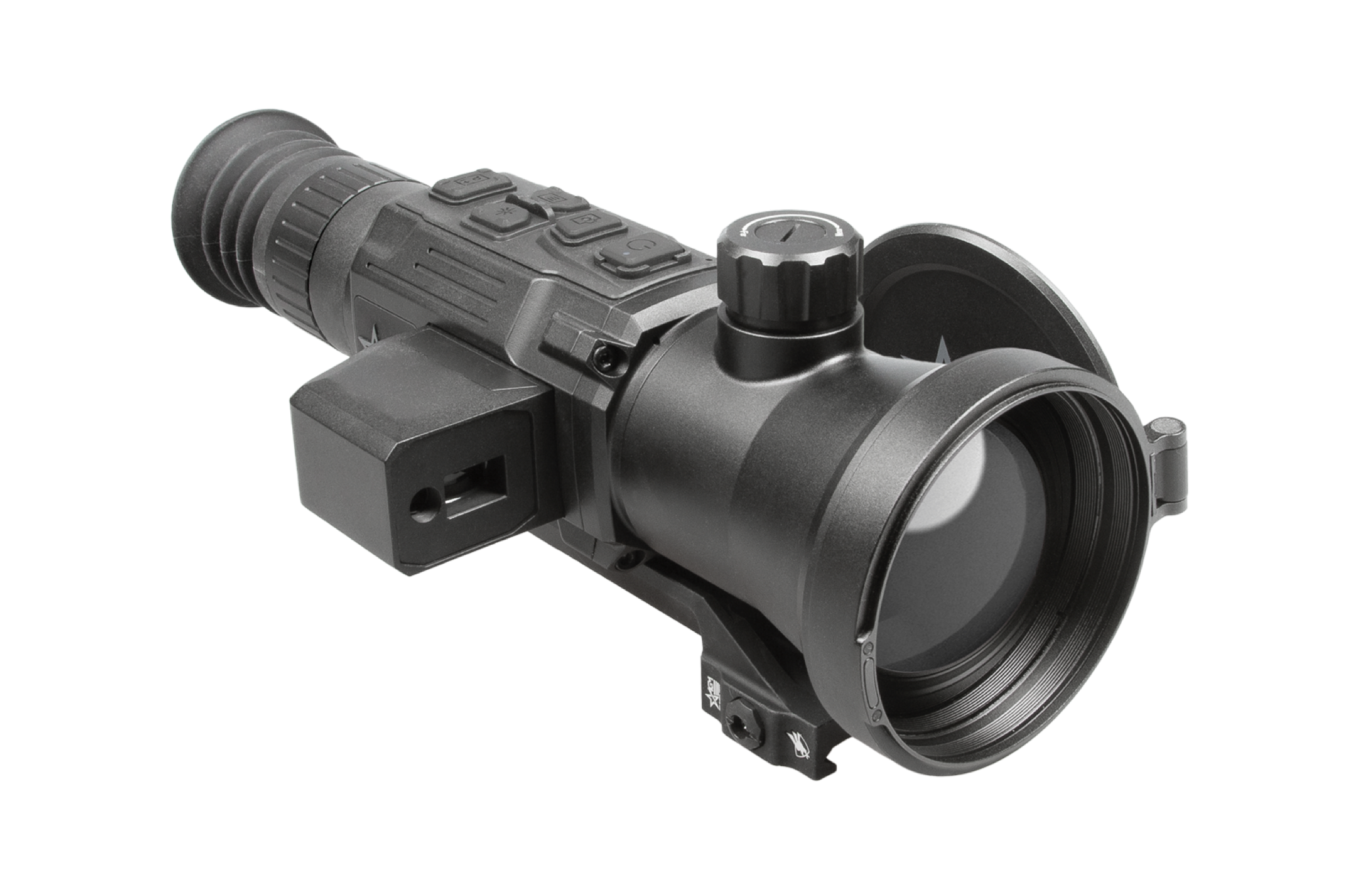
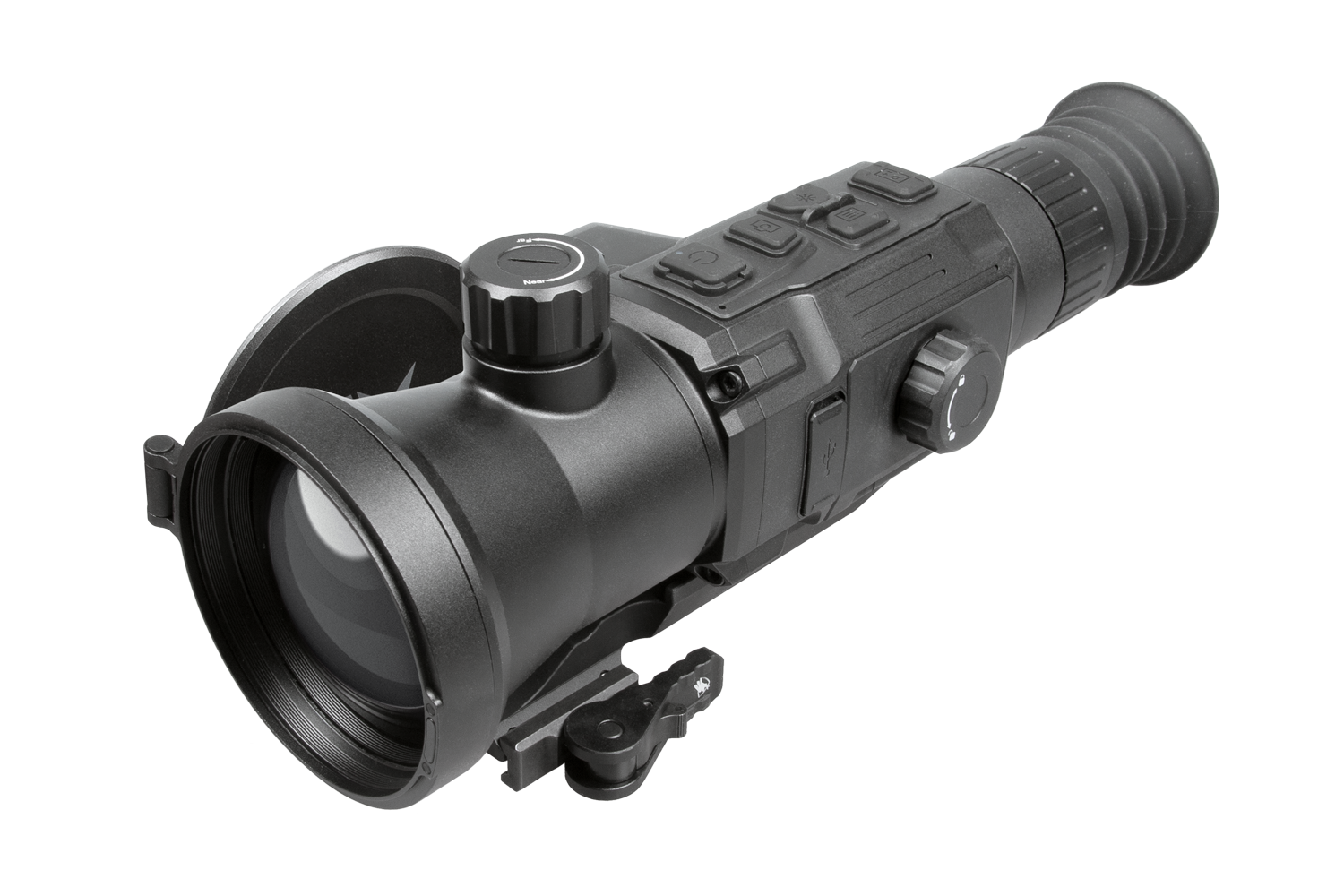
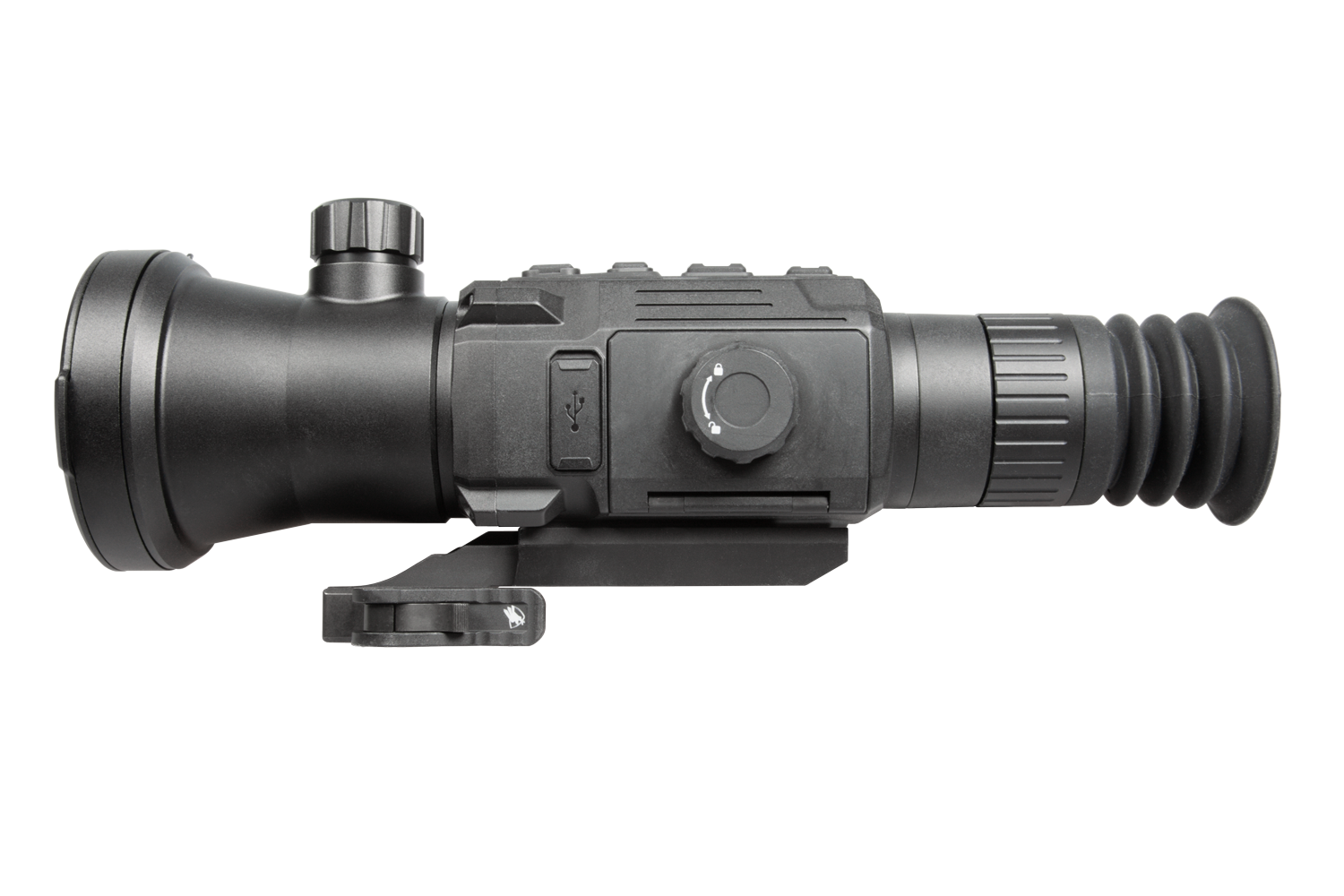
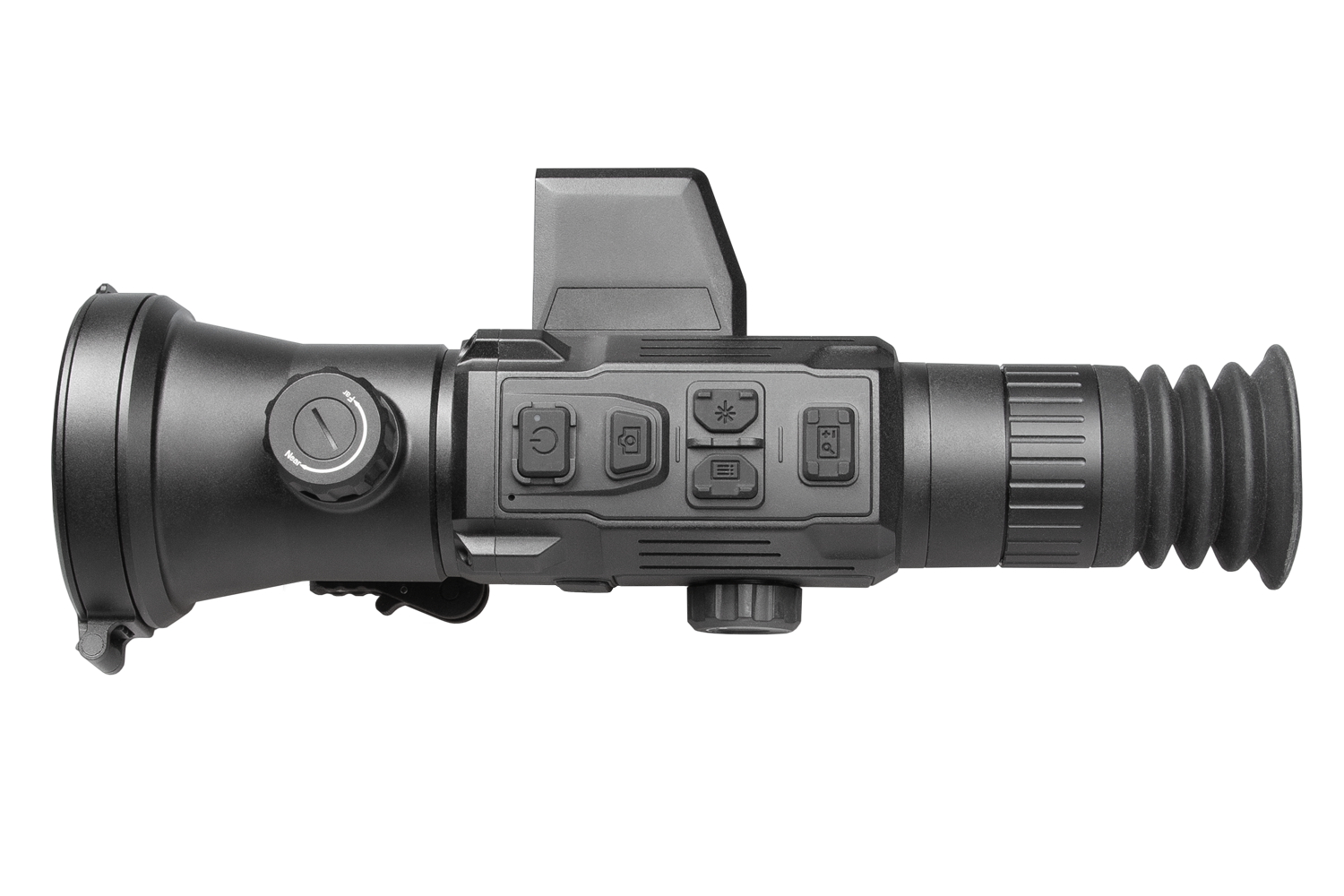
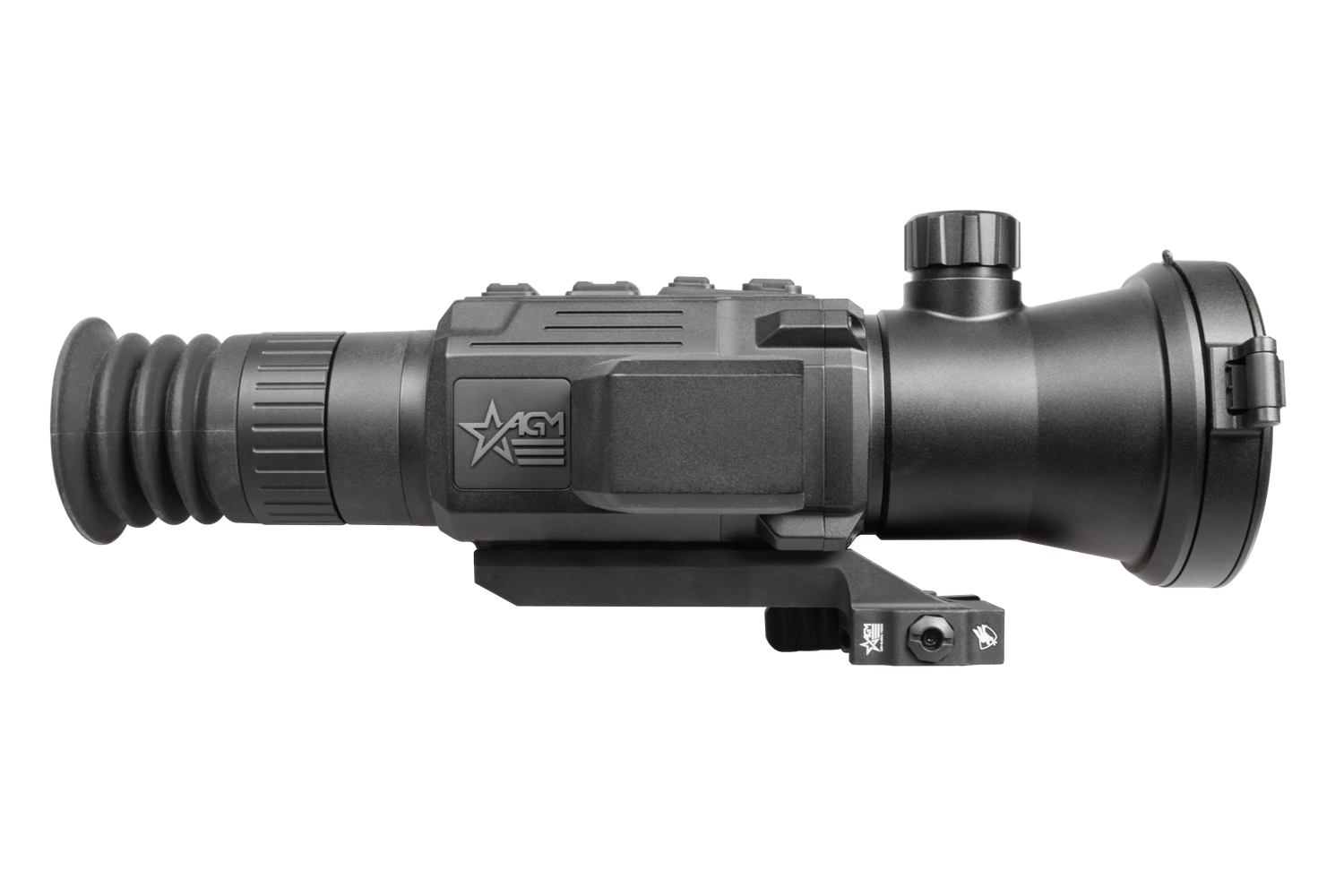
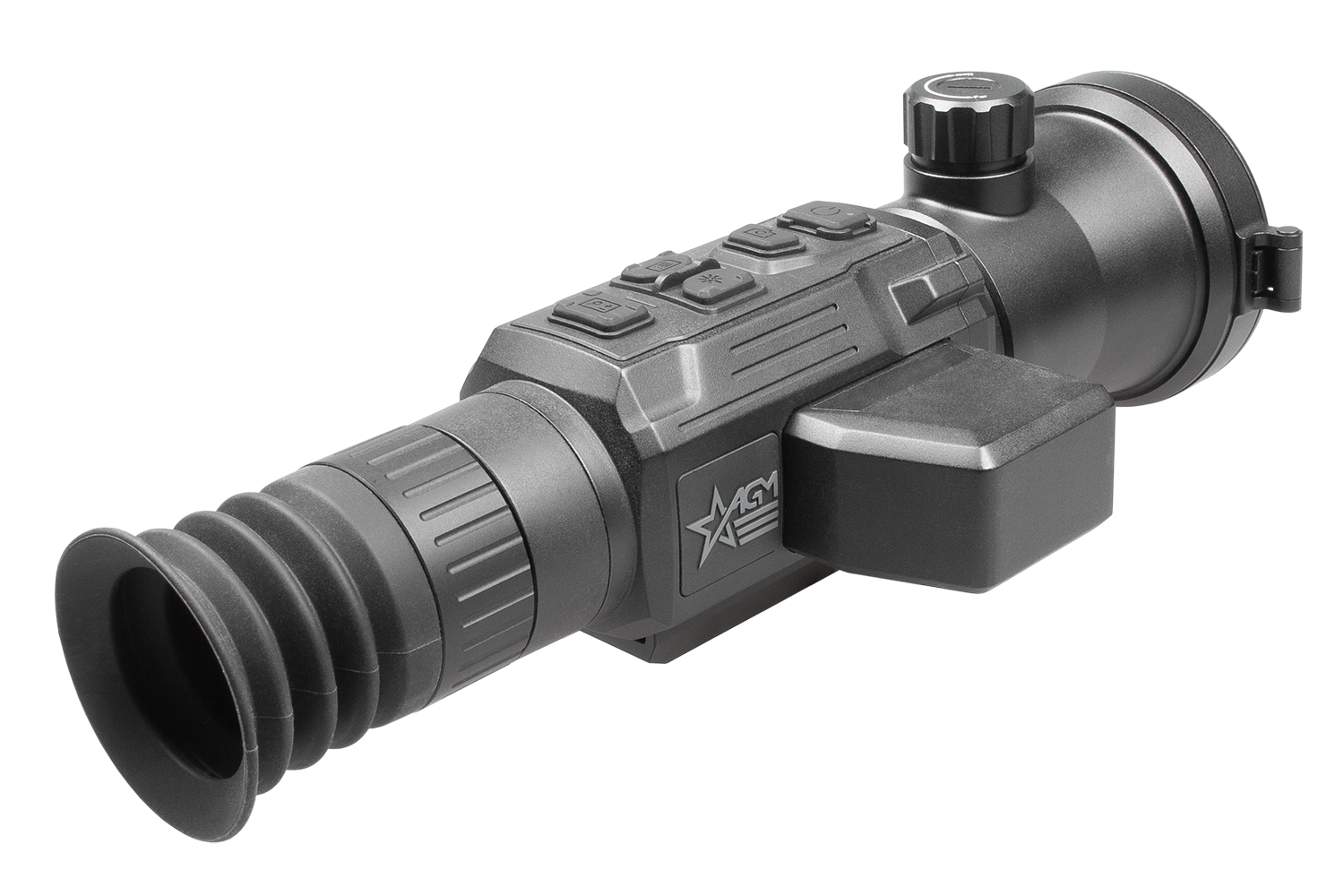
The AGM Evolver LRF 1280 is now the new apex predator in the field. Providing an unrivaled image quality in compact housing, the Evolver LRF is equipping it with a 65mm Germanium lens and a 1280x1024 resolution thermal sensor. Not only that, but it’s been paired with a fully integrated 1000m laser rangefinder and AGM’s new on-board ballistic calculator. A newly designed eyepiece gives the Evolver a very versatile 2.5X base magnification, which can then be digitally zoomed up to 20X on the high end. This means hog hunters will enjoy a base magnification low enough for close range engagements, while predator hunters can comfortably zoom to 5X while still enjoying a crisp 640
resolution before zooming further. AGM’s powerful new imaging algorithm and new semi-circular display give shooters a feeling of precision and sophistication. Large sturdy buttons were designed to aid gloved fingers in cold winter weather, while the removable rechargeable NE-4400 battery offers current and future AGM customers one of the most robust and easy to install battery systems on the market. And of course, a full firmware package has been incorporated to allow users an astonishing level of customization: on-board pitch scale, 10 brightness and contrast settings, warm & cold viewing modes, multiple color palettes, manual focus, picture in picture, ballistic calculation, on-board video recording with sound, 1000y/m laser range finding, WiFi hotspot, multiple zeroing profiles, shot activated video recording, defective pixel repair, hotspot locator and multiple laser range finding modes. Also included is an American-made ADM mounting system.


Warning: California's Proposition 65

  • 12 micron detector with 1280x1024 resolution
  • Sub-18mK thermal sesitivity
  • Built-in 1,000m laser rangefinder
  • Various reticle types and colors
  • Ballistic calculator
  • 1x, 2x, 4x, 8x digital zoom
  • Large OLED display with 2560x2560 resolution
  • On-board video/audio recording and image capture
  • Shot Activated Recording (SAR) function
  • Built-in EMMC storage (64 GB)
  • Wi-Fi data transmission
  • Standby mode
  • More than 4 hours battery life
  • External power supply compatibility
  • Waterproof & shockproof
  • 5-year warranty
Package Includes
  • Mount
  • Two rechargeable NE-4400 Li-Ion batteries
  • Battery Charger
  • USB Cable
  • Lens Cloth
  • Owners Manual
  • Carrying Case
Export Restrictions:

Product shown herein is subject to US export regulations and may require a license prior to export. Any diversion contrary to US Government regulations is prohibited.

$7,495.00

Compare

Quick Order

Add to cart


Specifications


Shot-Activated Recording
Yes
Max. Recoil
1,000 g / 0.4 ms
Frame Rate
25 fps
Ballistic calculator
Yes
Palettes
Black Hot, White Hot, Red Hot, Fusion
Dimensions
270 × 115 × 88 mm (10.6 × 4.5 × 3.4 in)
Exit Pupil Diameter
6 mm
Reticle
10 types, 4 colors, on/off
Boresight Adjustment
Digital Controlled
Picture In Picture Mode (PIP)
Yes
Video Recording
Yes (1280×1280)
Defective Pixels Correction (DPC)
Yes
Audio Recording
Yes
Magnification
2.5× – 20×
Detector type
12μm VOx Uncooled Focal Plane Array
FFC (Flat Field Correction)
Auto, Semi-Auto, Manual
Standby Mode
Yes
Resolution
1280 × 1024
Laser Rangefinder
Up to 1000 m, ±4 m accuracy
Measuring Distance of Laser Rangefinder
10 m
Laser Wavelength
905 nm
Detection Range (6' object)
3,250 m
Lens system
65mm, F 1.0
NETD
Less than 18 mK (@25°C), F#=1.0
Field of view (H × X)
13.5° × 10.8°
Digital zoom
1×, 2×, 4×, 8×
Diopter adjustment range
-5 to +5 dpt
Monitor
2560 × 2560, 1.03 inch, OLED
Hot Track
Yes
Eye relief
45 mm
Storage
Yes
Capture Snapshot
Yes (1280×1280)
Battery Type
One replaceable rechargeable NE-4400 Li-Ion battery (two NE-4400 batteries included)
Battery Life (Operating)
4 h (25 °C)
External power supply
5 VDC/2 A, USB Type-C
Operating Temperature Range
-30°C to 55°C (-22°F to 131°F)
Weight
0.79 kg (1.75 lb)
Protection Level
IP67

Firmware Updates


FIRMWARE UPDATE INSTRUCTION

Please read the instructions below before updating the firmware.

Check current firmware version of your device, for this go to your device’s main menu to option “Info” or “Version” and check what number you have. Compare the number with the latest version of the firmware on the AGM website.

Download the firmware update package to your PC and unzip it.

NOTE: Do not open the DAV or BIN file on your computer as it may corrupt the file.

  1. Connect the thermal device to your PC with USB cable.
  2. Turn on the thermal device.
  3. Disable the Wi-Fi Hotspot function in the device menu if WiFi is enabled.
  4. Open the detected disk (USB drive) in file manager program. Copy the unzipped .dav file and paste it to the root directory of the device.
  5. Turn off the device.
  6. Turn on the device. After a while, the firmware update process will start automatically. During the update, the screen will display the inscription "Upgrading ...". The update process will be completed when the inscription "Upgrading ..." goes out. Repeat steps 4-6 for each updating file.
  7. Turn off the device and disconnect it from your PC.

WARNING:
If your device does not have a built-in rechargeable battery and is powered by replaceable Lithium batteries, remove the batteries from the battery compartment before connecting the device to your PC, or it may cause computer damage.

If you removed the batteries, please make sure the device is connected to the computer during the update process. Otherwise, the device will shut off and may cause unnecessary upgrade failure, firmware damage, etc.

Please check the latest firmware. Click the FW Version to download the firmware update package.

  • AGM Rattler V3 LRF 35-384, AGM Rattler V3 LRF 35-640, AGM Rattler V3 LRF 50-640, AGM EVOLVER LRF 1280, AGM Adder V2 LRF 35-384, AGM Adder V2 LRF 35-640, AGM Adder V2 LRF 50-640, AGM Adder V2 LRF 60-1280

    Firmware Versions:

    • V5.5.148_260227
      【Update Details】 The following updates are different between models. Some models may already support this feature. This update is for function alignment to keep consistent. Due to hardware limitations and other factors, certain models do not support specific features. Please refer to the actual test. a. KEY Feature Updates 1. Image Boost 4.0 (Supported by AdderV2 & RattlerV3 series now.) Improved update with a new Self-Adaptive Image Algorithm ✓ Add an “Auto” mode in Scene Mode. The algorithm will perform the following adaptations in this mode. ① Automatic Scene Differentiation and Style Adaptation The algorithm now automatically distinguishes between urban outdoor scenes (with many buildings, like storefronts), indoor exhibition lighting scenes, and real outdoor hunting environments, adapting the display style accordingly. ② Distinction Between High Energy and Low Temperature Difference Scenes In high-energy scenes (e.g., sunny days after sunlight exposure, scenes with many buildings or richly detailed targets), there was previously a noticeable black edge around the target. This issue will be addressed by applying sharpening adjustments after scene recognition to reduce the edge effect. In scenes with low temperature differences (e.g., pure grassland or forest scenes), detail enhancement will be applied to improve clarity and visibility. 2. Image Boost 3.0 (Supported by Evolver LRF 1280.) Improved algorithm with reduced noise and enhanced target highlighting. 3. Reticle & Ballistics ✓ Add reticle Opacity adjustment option. There are a total of 5 gear levels. ✓ Only RattlerV3: Unify the existing functions and update them to the latest version. ① The BC aim point will be shown in the PIP view. *Note: To prevent the large reticle in the PIP view from obscuring the target and the aim point, only the reticle center will be retained in the PIP view, but reticle types 5, 6, and 10 will not be changed. ② BC aim point is shrunk and reduces the obscuration of the target. ③ BC supports pitch angle compensation. The device can automatically adjust the position of the ④ BC mark by reading the pitch angle data from the gyroscope and entering it into the algorithm ⑤ Thinner reticle for higher precision (with thinner reticle – reticle 6 & smaller dot – reticle 10). ⑥ All features, interface, and operation methods under the Zeroing menu are updated to the latest. 4. LRF Display Update (In the Laser Ranging Option) ✓ Supports changing the LRF Box styles. Add the Rangefinding Reticle Style option in the Laser Ranging. Two new styles have been added, making a total of three styles. ✓ Supports changing the LRF Box colors. Add the Rangefinding Reticle Color option in the Laser Ranging. Three new colors have been added, making a total of four colors. (Red, Green, White, and Black) ✓ Only RattlerV3 for function alignment: LRF reading now shows in the screen center and will disappear after 10 seconds. If the distance measurement fails or cannot reach a valid value, “000” will be displayed. The LRF display is different when the reticle is enabled and disabled to avoid obscuring the target. 5. Privacy and Device Security Updates (CE-RED Directive Update) ✓ Add Remote Access function This function was previously enabled by default. It has been added as a setting in the menu in this version. Only when it is enabled can users connect the App to the device. Upon first startup after firmware update, the device will display a setup prompt to enable or disable the Remote Access function. You can also enter the menu and navigate to Advanced Settings > General Settings > Remote Access to enable or disable the function. ✓ Add Screen Lock Function You can now set a passcode to lock the device screen and prevent unauthorized access. The Screen Lock function is off by default. You can enter the menu and go to Advanced Settings > General Settings > Passcode to enable it. When the passcode function is enabled, you can customize a 4-digit numeric passcode in the configuration interface. By setting that up, you need to enter the passcode when the device is powered on or woken up from standby mode. If you forget the passcode, you can hold the Capture button to reset it on the lock screen. This operation requires a factory reset to the device The screen lock passcode will be erased when you reset the device. ✓ Now the device won’t show itself as a USB disk connecting to the PC when it’s off or the screen is locked. ✓ Add Security Version & Redline info on the Advanced Settings > General Settings > Version Page. b. Other updates 1. Update the 1280 model horizontal line issue optimization algorithm. 2. The folder name on PC will be updated from “DCIM” to “AGM Content” on RattlerV3. 3. Fix some bugs to improve usability, like below. ✓ Fix – Arc-shaped line/whitening issue in the lower part of the image caused by heat haze. ✓ Fix – Dense white spots appearing in moving scenes. ✓ Fix – The update has caused the ballistic calculation to be turned off by default.

  • 0%
  • 0%
  • 0%
  • 0%
  • 0%

Reviews Over AGM EVOLVER LRF 1280

Total Reviews (0)
click here write review to add review for this product.